How to Measure AI Search Visibility for Your Business
Find out whether AI search is helping customers discover your business. Learn how to track brand mentions, citations, website visits and real enquiries.
Find out whether AI search is helping customers discover your business. Learn how to track brand mentions, citations, website visits and real enquiries.
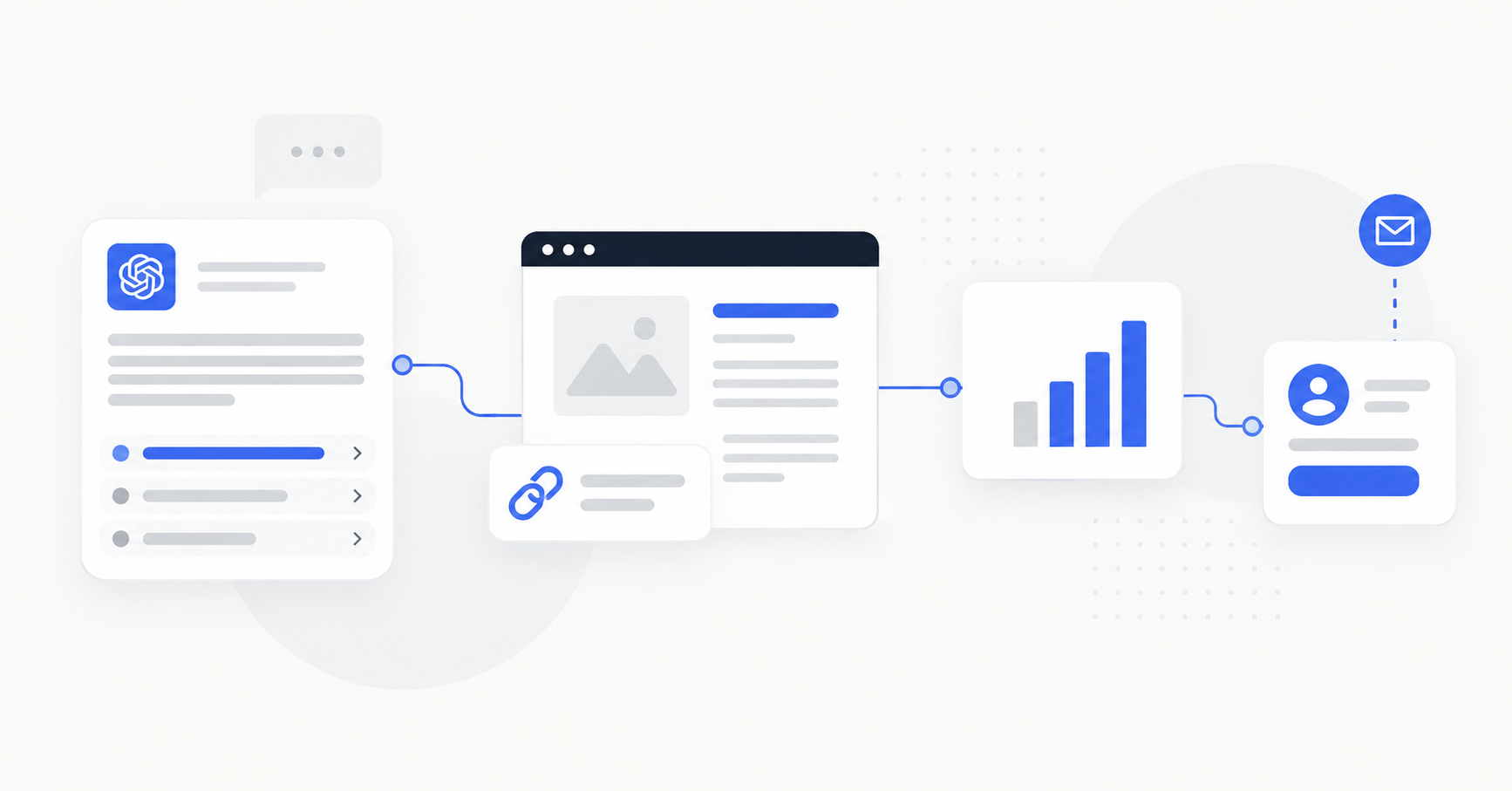
Someone asks ChatGPT to recommend a plumber in Sydney. Another person uses Google AI Mode to research commercial cleaners. Does your business appear in either answer? If it does, can someone reach your website — and does that interest turn into an enquiry?
To measure AI search visibility, track four different outcomes: mentions of your business in relevant answers, citations of your website, identifiable website visits from AI tools, and actual enquiries. None of these measurements, on its own, tells the whole story. A practical audit combines repeatable customer-question tests with the data available in Google Search Console, Bing Webmaster Tools and Google Analytics 4 (GA4).
This guide explains exactly how to set up that audit, read the reports, avoid misleading “AI ranking” scores and decide what to improve. The examples focus on Australian service businesses, but the method also works for businesses in other markets.
AI search can mean ChatGPT search, Google’s AI Overviews and AI Mode, Microsoft Copilot or other systems that generate answers from web information. These experiences are different: the same customer question can lead to different source links or business mentions. You should not combine all platforms into one universal position.
| What you measure | Example | What it actually proves |
|---|---|---|
| Brand mention | ChatGPT names your plumbing business. | Your business appeared in the answer you recorded. |
| Website citation | An AI answer links to your blocked-drain page. | Your page was displayed as a source, not that it received a click. |
| AI referral session | GA4 identifies a session arriving from ChatGPT. | A person followed an attributable route to your website. |
| Business action | The visitor submits a quote request. | A tracked lead action occurred, subject to accurate tracking. |
The business question matters more than a vanity metric. If you serve only Western Sydney, being mentioned for relevant local customer needs is more useful to investigate than being cited for an unrelated global topic. Decide which services, locations and enquiries matter before you begin.
You do not need to test hundreds of prompts. Start with six to ten questions covering what someone would genuinely ask before selecting your business. Include at least one branded question to check whether the system gets your details right, but use non-branded questions to examine discovery.
1. Branded identification. “Search the web for [business name] in [suburb, state]. What services does it offer, where does it work, and how can customers contact it? Include sources.” Check the answer against your own business details.
2. Service discovery. “Find businesses providing blocked-drain services in Parramatta, NSW. Link to their websites.” Adapt the service and suburb to your own business. Do not insert your business name into this test.
3. A specific customer requirement. “Find plumbers servicing Parramatta who advertise emergency blocked-drain call-outs. Show sources confirming that service.” Only include requirements your business actually meets.
A cleaner could substitute “end-of-lease cleaning in Penrith”; an electrician could test “commercial electrical maintenance in Sydney”. Choose language a customer would plausibly use rather than a keyword that exists solely to flatter your website.
For a practical starting point, create a spreadsheet with these columns: date, platform, exact prompt, location, business mentioned, own site cited, cited URL, factual accuracy, notes. Keep other businesses in the notes column only when their appearance is relevant to understanding your particular result.
Example of interpreting a result: suppose a business appears in three out of ten predefined discovery tests. Its observed mention rate for that test set is 30%. This is not a statement about all ChatGPT users or a fixed search position. Answer composition can change with retrieval, question wording, location and context. OpenAI explains its crawler and search visibility considerations in its publishers and developers guidance.
What if your company is missing? First confirm the branded identification test returns the correct service, location and contact details. Inspect any cited sources. Then check whether your actual service pages answer the non-branded question. One absent mention is a reason to investigate, not proof of a website penalty.
Google’s dedicated Generative AI performance report (Search) provides first-party data about links to your website shown in supported generative AI features on Google Search. Google announced it in June 2026 and said its worldwide rollout was complete on 31 August 2026. It includes AI Overviews and AI Mode; Google Discover has a separate report.
An impression here represents a link to your site being shown to a user in a supported Google generative AI feature. The chart and table may sometimes differ because Google aggregates the chart by property and certain table views by page. Very recent data can also be preliminary. Consult Google’s report definitions before interpreting small differences.
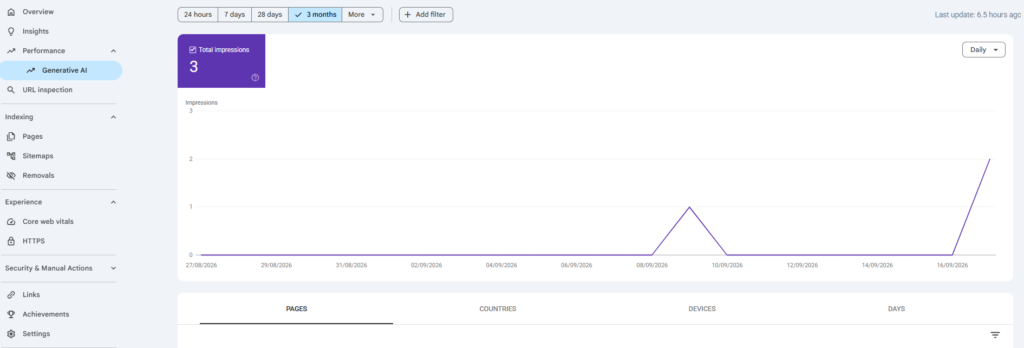
Important: your ordinary Search Performance report is not an AI-only report. It includes conventional results and relevant AI features. Seeing an impression for the query “AI search visibility local business” in the ordinary Queries tab does not prove your site was cited by an AI Overview. Use the dedicated report for that question. It reports impressions, not a list of every user prompt or individual lead generated by an AI answer.
Google says that a property may not show the dedicated report if it lacks enough eligible impressions, or if access is not yet present for that property. A missing report isn’t proof that your business can never appear. Continue monitoring your normal Search performance, keep the manual tests separate, and check the dedicated view later.
If your business serves only one state, prioritise its pages and Australian impressions. International impressions may be useful for a franchise or broader business, but they are not automatically relevant prospects for a local tradie.
Microsoft’s AI Performance report, launched in public preview in February 2026, tracks citations across supported experiences including Microsoft Copilot, Bing’s AI-generated summaries and selected partner integrations.
If your site is verified in Bing Webmaster Tools, open AI Performance and review these dimensions: total citations, average cited pages, cited URLs, sampled grounding queries and trends over time. A grounding query is a phrase involved in retrieving information for an answer; it is not necessarily the entire question somebody typed.
For example, suppose a commercial-electrician page is cited more often than the company’s homepage. Investigate whether the associated topics correspond to actual services and whether the cited page clearly explains its coverage area, requirements and next steps.
Microsoft cautions that citation counts do not indicate placement, authority or ranking inside an answer. Also, this report covers supported Microsoft experiences: it is not a complete ChatGPT citation report. A citation is an observation about a linked source, not a customer enquiry.
Google added an AI Assistant channel to GA4’s default channel group in May 2026. It covers recognised sources such as ChatGPT, Gemini and Copilot, and explicitly excludes Google’s AI Overviews and AI Mode. Those Google features belong with Google Search reporting. See Google’s default channel definitions.
OpenAI says links from ChatGPT search can include utm_source=chatgpt.com, which can help publishers recognise traffic in analytics (OpenAI source). Your source values will depend on how traffic is attributed in your property.
Analytics cannot count every person influenced by an AI answer. Someone might see your name in ChatGPT, later search for you on Google, or call without visiting your site. When reliable attribution is missing, a visit may be grouped under another channel, including Direct. Record identifiable AI referral sessions; avoid claiming that figure represents all AI-influenced customers.
For a service business, a completed quote request, appointment request or booking is generally more actionable than a raw citation total. In GA4, configure a reliable key event for the desired outcome. Google’s recommended generate_lead event can measure lead generation through forms.
Check that a lead event fires only after a successful submission. A click on “Submit” may fail validation and never reach your inbox. Phone-number or email clicks can be useful secondary events, but don’t count every click as a confirmed lead. Test these events before using them for reports.
If you use a CRM, compare verified enquiries with your tracked sources. If you work with an agency, agree on clear definitions: an impression, a website click, a form submission, a qualified lead and a paying customer are not the same thing.
A small business doesn’t need a large paid dashboard immediately. Use the same six to ten customer questions, a consistent period in each platform and one spreadsheet. Here’s a structure you can copy.
| Metric | Data source | Question it answers |
|---|---|---|
| Observed mention rate and factual errors | Repeatable manual tests | Do tested answers identify the business accurately? |
| Google generative AI impressions, by page/country | Search Console | Which of our pages are shown in supported Google AI features? |
| Microsoft AI citations and cited URLs | Bing Webmaster Tools | Which pages are referenced in supported Microsoft AI answers? |
| Identifiable AI referral sessions and landing pages | GA4 | Which AI sources send visitors to the website? |
| Completed enquiries and qualified leads | GA4 and CRM | Is that activity contributing to business results? |
Observed mention rate = number of eligible tests mentioning your business ÷ total eligible tests × 100. If your business appears in 6 out of 20 predefined tests, the observed rate is 30% for those tests only. Always record the denominator, prompt set, platform and period alongside the percentage. Do not present it as a universal AI-search market share.
Imagine the report shows rising Google AI impressions for an office-cleaning page, stable identifiable AI referrals and no increase in verified enquiries. Check that the form works and the relevant landing page provides the information potential customers need. Conversely, if a page receives no Google AI impressions, that alone is not proof of a technical problem; investigate its indexing, relevance and ordinary search performance as separate questions.
When changes happen, look for a plausible explanation, not a guaranteed cause. A single website edit or new directory listing cannot be credited with a citation increase without stronger evidence. Small samples are especially noisy: use repeated measurements before deciding whether your results are meaningfully different.
For a company serving Sydney, Melbourne and Auckland, use the country dimension in Search Console where available and maintain separate manual prompt sets for each market. Write the city and country into each prompt and keep the rest of the customer need comparable.
A prompt naming Auckland is not the same as running a search from a person physically located in New Zealand. Platform location settings, regional availability and context can differ. Report which conditions you tested; do not combine incompatible results into one “international AI visibility score”. For a business serving only Sydney, measuring locations outside your service area is usually a distraction.
Start with problems you can verify. Does the website state your services, actual service areas, contact details and qualifications clearly? Are key pages accessible and connected by sensible internal links? Is business information accurate on your Google Business Profile and relevant industry listings?
Google says conventional SEO best practices remain relevant to AI Overviews and AI Mode; there’s no special schema required just to appear. OpenAI advises publishers who want their content eligible for ChatGPT search summaries not to block OAI-SearchBot. Neither platform guarantees inclusion because a site follows these guidelines (OpenAI guidance).
If your site gives only vague descriptions, improving a genuine service page with specific, useful information is more worthwhile than publishing a collection of nearly identical “AI ranking” posts. Fix incorrect information before trying to increase appearances.
No universal, first-party report gives a business every prompt or brand mention across ChatGPT. You can record a controlled sample of answers and inspect identifiable referral traffic. Those are partial views, not total visibility.
No. Standard Search Console reports include ordinary Search activity and relevant AI features. Google’s dedicated generative AI report is an AI impression view. Citation reporting in Bing Webmaster Tools is a separate measure for supported Microsoft experiences.
Not to create your first audit. The free or existing tools described here support a useful baseline. If you later buy a monitoring platform, check the questions, locations, sampling frequency, supported platforms and definition of its score before comparing its results with your own.
Monthly is a practical starting point for many small businesses. Investigate more frequently when you have meaningful traffic, a major website change or a specific accuracy issue. Keep the test conditions consistent so comparisons remain useful.
An AI mention, an impression, a website citation, a referral session and an enquiry are all different signals. Together, they show a more complete picture of whether people can find your business and take the next step. The best audit is the one you can repeat, explain and use to make a specific improvement.
WEBBOTICA
We help Australian service businesses improve their websites, search visibility and the journey from discovery to enquiry.
READY FOR THE NEXT STEP?
If you want help improving how your business is found, trusted and contacted online, we can work out the right next step with you.
Start a ConversationA local service business does not need to rank #1 on Google to appear in ChatGPT. Here’s what OpenAI confirms, what SEO…
Read guide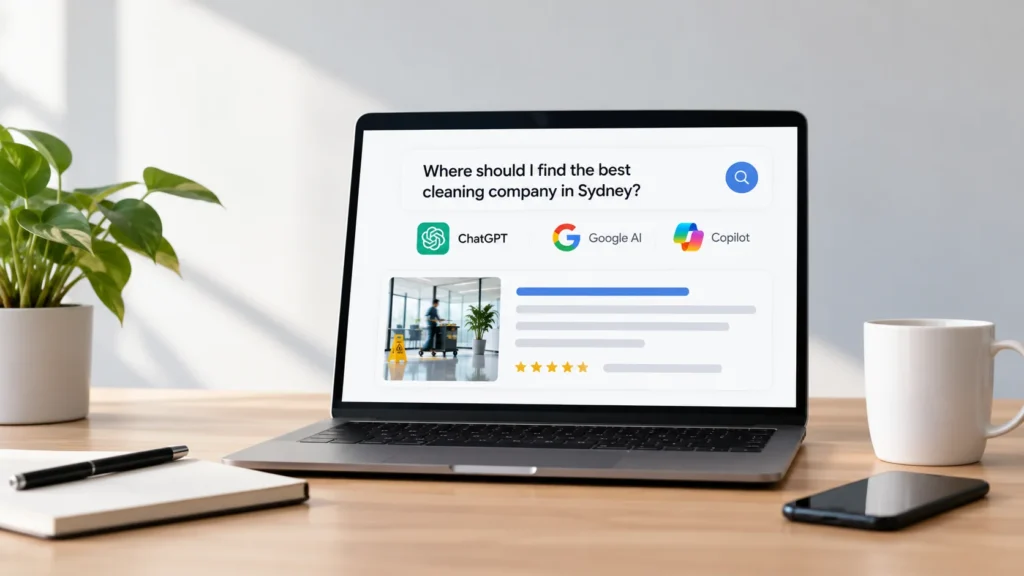
Can customers find your business when they search using ChatGPT, Google AI or Microsoft Copilot? If your website clearly explains your services,…
Read guide
Learn when an Australian service business needs suburb pages, what useful location pages should include, and how to evaluate local SEO and…
Read guide