
AI Search for Franchises: How to Make Every Location Findable
A practical guide for franchises and multi-location service businesses: build accurate branch pages, avoid fake location listings, and check AI search visibility for each real location.
A practical guide for franchises and multi-location service businesses: build accurate branch pages, avoid fake location listings, and check AI search visibility for each real location.
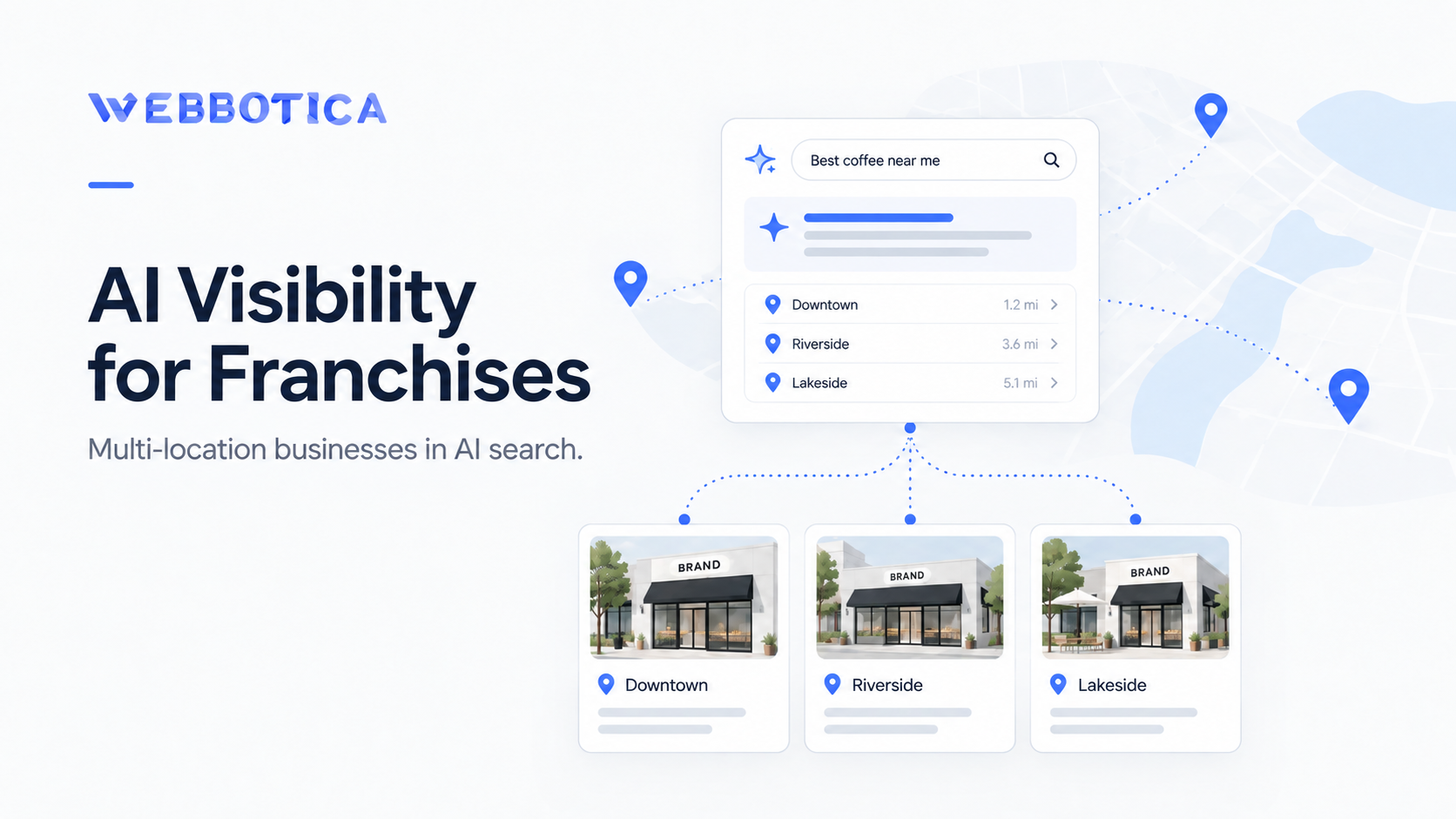
Running several branches does not mean every branch is equally easy to find in AI search. A customer might ask ChatGPT for an electrician in Parramatta, another might use Google AI Mode to find a cleaner in Liverpool, and a third might look for the same brand in Melbourne. Those questions have different local answers—even when the branches share a name and website.
AI visibility for franchises starts with helping a customer find the correct local team—not just the national brand. Each real location needs to be understandable on its own: which services it provides, where it operates, how to contact it and what evidence supports those details. This guide shows how to organise a multi-location website and business profiles, avoid misleading location pages, and check each branch without pretending there is a guaranteed AI ranking formula.
This guide is for Australian franchises, cleaning companies, trades, clinics and other businesses with genuine branches or separately staffed operating locations. If you have one business that travels to many suburbs, read the service-area section before creating additional profiles.
Local AI answers do not use one permanent, universal list of businesses. BrightLocal’s September 2026 analysis covered more than 200,000 non-branded local searches across ChatGPT, Google AI Mode and AI Overviews, examining more than 1,300 business locations. It reported changes in which businesses appeared when questions were repeated, platforms changed or the searcher’s location moved. This is evidence of variability, not a formula explaining the selection of any one branch. Read the study and its methodology.
That means a result for “best [service] in Sydney” cannot substitute for a test in the exact suburb a branch serves. Nor does a brand mention prove that the answer supplied the correct phone number, service area or booking page for the relevant branch.
There are also ordinary website problems that make location information harder to establish: one vague national contact page, identical suburb pages, outdated branch details, or a location selector that hides information until a visitor chooses a region. Fix the actual information first; do not start by purchasing an “AI visibility score”.
These arrangements need different setups. A physical branch is a real customer-facing location, such as a clinic or showroom. A separately staffed service base has its own team operating from a distinct legitimate location, such as a plumbing business with two independent offices. A single service-area business has one base but travels to customers across several suburbs. A franchise network may have many independently operated locations under a shared brand.
Do not treat every suburb served as a separate branch. Google permits separate Business Profiles for qualifying separate service-business locations with different staff and service areas, but generally expects one profile for a service-area business’s single base. It also prohibits virtual offices that do not meet its real-world operating requirements. See Google’s business representation guidelines.
Your website should have a clear “Locations” or “Find your local team” page, linked from the main navigation or another discoverable area. It should list genuine branches and link to their dedicated pages. For a large network, group locations by state, region or city so people can reach the correct one without guessing.
An illustrative website structure for a fictional electrical company could be:
The directory should not imply that a service is offered at every branch if availability differs. Link to actual location pages with ordinary HTML links; do not make location discovery depend entirely on a map, filter or script. Google’s AI-feature guidance explicitly recommends making important content available as text and discoverable through internal links. Google Search Central: AI features and your website.
A branch page should answer the questions a customer would have before contacting that specific team. Use this checklist as your content brief:
For example, the fictional Parramatta page could state: “HarbourSpark Electrical’s Parramatta team handles residential switchboard upgrades and safety inspections in Parramatta and nearby suburbs. Request a quote using this branch’s form.” Add only services, opening hours and coverage areas that are true for the business. This is sample copy, not a real-world case study.
If two branches offer identical services, their pages can share a common design and standard service descriptions. Their unique value should come from real operational details, not synonyms generated to make a paragraph look different. A branch page that merely changes “Parramatta” to “Liverpool” without adding useful information gives a customer little reason to use it.
Google’s spam policies describe doorway abuse as creating similar location- or query-targeted pages that funnel visitors to a more useful final destination. The risk is not simply using the same layout. It is creating pages that do not independently solve the local customer’s problem. Before making a new suburb page, ask: does this location have its own real team, service variation, booking information, project evidence or genuinely useful coverage detail? If not, improve a shared service-area page instead. Never invent branch addresses or local staff to justify another URL.
For eligible Google Business Profiles, link each location to the website page representing that specific location, where possible, and maintain the correct local phone and address or service-area details. Google asks chains to use consistent real-world names and categories for locations that provide the same service. It also asks service-area businesses that do not serve customers at their base to hide their address. Google’s official guidelines explain the exceptions and requirements.
If you serve customers at one base and travel across 20 suburbs, do not create 20 invented Google profiles. Google’s service-area documentation allows up to 20 service areas on an eligible profile and calls for accurate city, postcode or other supported area definitions. See how service areas work.
Audit other customer-facing sources too: your main website, booking system, legitimate directories and any platforms your customers actually use. Correct material mismatches such as an old phone number, a closed location or services assigned to the wrong branch. This is about helping customers find accurate information; no platform has documented a universal reward for accumulating directory listings.
For the underlying setup, read our guide to Google Business Profile and AI search. Each eligible branch’s details should be correct first; optimising a network-level profile cannot substitute for accurate local information.
Make one row per genuine operating location. Collect: branch ID | customer-facing name | location URL | physical address or service area | local contact route | opening hours | actual services | eligible profile URL | last verified date | owner of updates. Add an “issue found” column for discrepancies. This is an operational checklist, not a search-ranking score: the aim is for the customer to reach the correct team even when branch details change.
Google says a page needs to be indexed and eligible for a snippet to be considered as a supporting link in AI Overviews or AI Mode. It does not require special “AI schema”. For ChatGPT search, OpenAI advises allowing OAI-SearchBot to access public pages that publishers want discovered and cited. Neither platform guarantees placement. Google’s requirements and OpenAI’s publisher FAQ explain those distinctions.
For each important location URL, check that the page loads without a login, is not accidentally noindex, is linked from your directory, and contains its main facts as readable text. Check that your canonical URL points to the intended page; do not casually canonicalise every genuine branch page to the national homepage.
Where suitable, use LocalBusiness structured data describing the actual location. Google recommends defining each distinct location as an appropriate LocalBusiness type and ensuring markup matches visible content. An independent branch should not inherit another branch’s address or phone merely because they share a template. If your site has multiple business departments, Google’s documentation also explains how to represent departments with their differing details. Google: LocalBusiness structured data.
Important: structured data helps describe factual information; it is not a guarantee that ChatGPT or Google will recommend your branch. We have a separate guide on what schema markup can and cannot do for local AI search.
Our AI search measurement guide explains how to distinguish mentions, website citations, identifiable referrals and enquiries. For a multi-location business, add a branch column to that process. A generic brand mention can hide the fact that an answer sent a prospect to the wrong city.
Start with three genuine customer questions for each branch. For a Parramatta electrician, an illustrative set is: “Which electricians provide switchboard upgrades in Parramatta?”, “Find an electrician serving North Parramatta for a residential safety inspection”, and “Where can I contact [brand]’s Parramatta team?” Keep the exact wording, platform, location stated in the question and test date.
Record four separate observations: Was the relevant branch named? Was its own page linked? Were its service area and contact details correct? Did the answer incorrectly substitute another branch? Repeat tests over time rather than treating a single answer as a stable position.
| Branch | What the answer said | What to investigate |
|---|---|---|
| Parramatta | Named the correct branch and linked its page | Check whether details are accurate and track genuine enquiries. |
| Liverpool | Named the national brand but linked Parramatta | Review the Liverpool page, internal links and branch-specific contact information. |
| Penrith | No mention in the tested answer | Verify the page is accessible, the profile is eligible and the customer question matches real services. Re-test before drawing conclusions. |
These rows are hypothetical examples. They are not observations from an actual Webbotica client or a live AI test.
Track Search Console and analytics separately for each location page, and connect confirmed form submissions or calls to the appropriate branch in your CRM. Do not infer that an enquiry came from AI solely because the customer later used a branded Google search.
For repeatable tests, use columns for test date | platform | target branch | exact customer question | stated location | correct branch mentioned (yes/no) | correct branch URL cited (yes/no) | wrong branch shown (yes/no) | factual error | evidence link or screenshot. Record every test, including absences. If you compare months, use the same prompt set and platform settings and note changes in test conditions. Report results as observations for your defined test set—not a universal probability that every customer will see the branch.
Measure branch-level customer outcomes separately: valid enquiries delivered to that branch, appointment requests or qualified phone calls where they can be verified. A citation without a click is not a lead, and an identifiable AI referral does not account for every AI-influenced enquiry.
Separate market from location. A Sydney branch and a London branch may share a brand but have different phone formats, currencies, laws, services and terminology. Put the correct country information on the appropriate page. Test customer questions in the relevant market and report results separately; one worldwide AI-visibility percentage can hide poor performance in a particular country.
If you genuinely maintain equivalent versions of a page for different languages or regions, Google’s international site guidance explains when separate URLs and hreflang are appropriate. hreflang is for alternate language or regional versions of content; it is not a general-purpose way to label every Sydney suburb page.
Don’t force every visitor through an automatic location redirect that prevents crawlers or customers from viewing other markets. Provide an accessible country or location selector, and allow the relevant pages to remain discoverable.
Prioritise the branches that are commercially important or currently have material information errors. This plan organises the work; it is not a promise that visibility will increase within 30 days.
No. If you operate from one base and serve surrounding suburbs, start with an accurate service-area explanation and useful service pages. Create an additional suburb page only when it serves a genuine customer need and contains meaningfully helpful, truthful local information. A fabricated office or copied city-name page does not become useful by targeting another postcode.
Only if it qualifies under Google’s real-world location, staffing and business-type guidelines. A franchise network may have legitimate location profiles, but a single travelling business should not create extra listings solely to cover more suburbs.
No. Clear location pages help customers and give retrieval systems accurate, accessible information, but ChatGPT and Google do not promise inclusion or fixed rankings. Test what happens without treating any one result as a guarantee.
Both serve different questions. The homepage explains the wider business; branch pages answer local questions about the relevant team. A visitor asking for a Liverpool booking should not have to search through the national site to find the Liverpool number.
For multi-location businesses, the useful question is not merely “Does AI know our brand?” It is “Can a customer find and contact the right team for this service and location?”
Start with accurate branch information, accessible location pages and working contact routes. Measure the locations separately, correct what the evidence shows, and keep improving the customer experience regardless of which AI tool somebody uses.
Need a clearer website structure for multiple service areas or branches? Contact Webbotica to discuss your location pages, website information and local visibility.
READY FOR THE NEXT STEP?
If you want help improving how your business is found, trusted and contacted online, we can work out the right next step with you.
Start a ConversationA local service business does not need to rank #1 on Google to appear in ChatGPT. Here’s what OpenAI confirms, what SEO…
Read guide
Can customers find your business when they search using ChatGPT, Google AI or Microsoft Copilot? If your website clearly explains your services,…
Read guide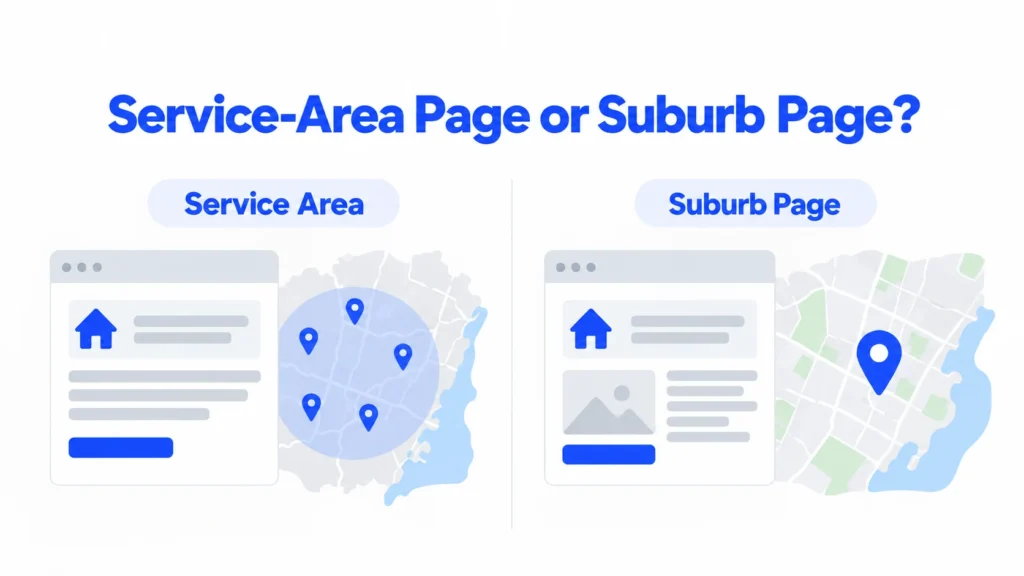
Learn when an Australian service business needs suburb pages, what useful location pages should include, and how to evaluate local SEO and…
Read guide